Key takeaways
Google says AI Overviews need no extra technical requirements beyond normal search eligibility.
Allow search crawlers like OAI-SearchBot and PerplexityBot; training crawlers are a separate choice.
Keep key content as real text, with structured data that matches the page.
Answer real customer questions plainly and specifically near the top of each page.
Keep business details consistent across your site, Google, Bing and directories.
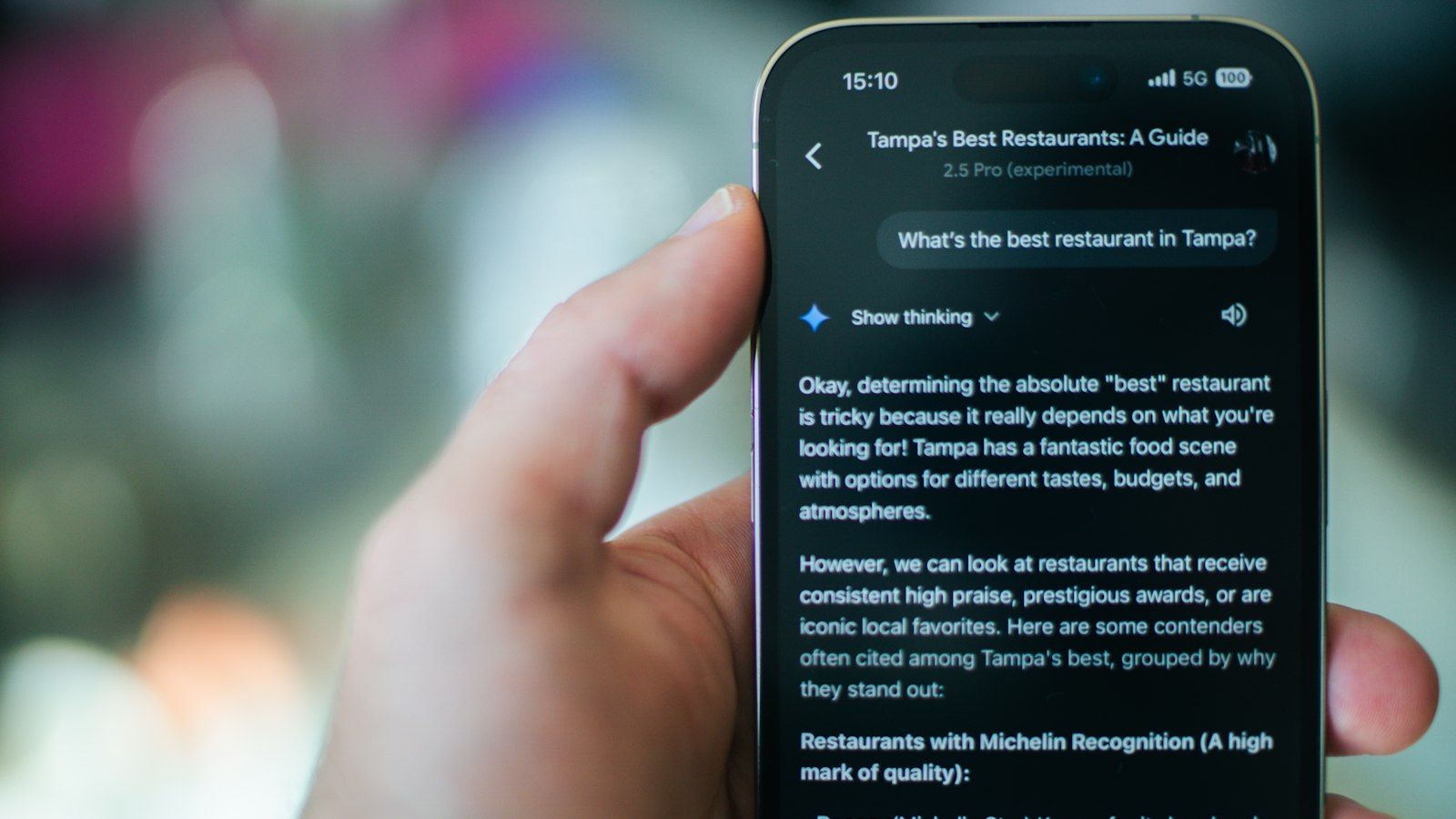
More of your customers now ask a question instead of typing a few keywords. "Who's a good accountant near Windsor?" "Which Shopify designer works with small brands?" "What should a website for a dog groomer include?" Some of those questions go to Google, where an AI Overview may answer before the usual links. Others go straight to ChatGPT, Perplexity, Copilot or Claude.
The good news is that being found in AI search isn't a dark art. The companies running these tools publish what they look for, and it overlaps heavily with good, old-fashioned SEO. This guide walks through what each one says, the technical checks that decide whether you're even eligible, and how to write pages an AI answer would want to quote.
Quick answer: make sure your public pages can be crawled (including by OAI-SearchBot, PerplexityBot and Bingbot), that the important content is real text in the page rather than hidden in images or scripts, that your structured data matches what's on the page, and that your business details are consistent everywhere. Then rewrite key pages to answer real customer questions directly, plainly and with facts. Nobody can guarantee an AI tool will mention you, but these steps give you a fair chance.
Part 1: How AI search actually finds you
AI answer tools don't know about your business by magic. Most of them do one of two things:
- Search, then summarise. The tool runs a web search, reads a handful of pages and writes an answer with links. Google's AI Overviews and AI Mode, ChatGPT search, Perplexity and Copilot all work this way when they're answering questions about the current world.
- Answer from training. The model answers from what it learned during training. That knowledge is older, rarely includes links and is hard for a small business to influence directly.
The first route is the one you can do something about, and it depends on being crawled, indexed and understood. That's why the foundations matter more than any clever trick.
Part 2: What each platform says
| Platform | What it says about being included | Crawler to allow |
|---|---|---|
| Google AI Overviews and AI Mode | A page must be indexed and eligible to show with a snippet. There are no additional technical requirements. | Googlebot |
| ChatGPT search | Sites opted out of OAI-SearchBot won't be shown in ChatGPT search answers. | OAI-SearchBot |
| Perplexity | PerplexityBot surfaces and links sites in Perplexity's results and isn't used to train AI models. | PerplexityBot |
| Microsoft Copilot | Bing and Copilot rely on the same crawling and indexing as Bing search. | Bingbot |
| Claude | Blocking Claude-SearchBot or Claude-User may reduce your visibility in Claude's search answers. | Claude-SearchBot, Claude-User |
Google: the same fundamentals
Google's guidance on AI features is refreshingly direct. To be eligible as a supporting link in AI Overviews or AI Mode, a page needs to be indexed and eligible to be shown with a snippet, and Google says there are no additional technical requirements (Google Search Central: AI features and your website).
It lists the SEO basics that still matter: allowing crawling in robots.txt and in your hosting or CDN settings, internal links, a good page experience, important content in text form, good images and video, structured data that matches the visible page, and up-to-date Merchant Center and Business Profile information.
ChatGPT: search and training are separate
OpenAI uses different crawlers for different jobs. OAI-SearchBot is used to show websites in ChatGPT's search features, and OpenAI recommends allowing it if you want to appear. GPTBot collects content that may be used to train models. The settings are independent, so you can allow search while opting out of training (OpenAI: overview of crawlers). ChatGPT-User visits pages when a person asks ChatGPT to look at them.
Perplexity
Perplexity says PerplexityBot surfaces and links websites in its search results and isn't used to crawl content for AI foundation models. Perplexity-User fetches pages when someone asks a question (Perplexity: crawlers).
Copilot and Bing
Microsoft's guidelines cover Bing search, Copilot and the results Bing supplies to other AI tools. They say the same fundamentals apply: help Bing discover your URLs with a sitemap and accurate lastmod dates, notify it of changes with IndexNow, and remember that a noindex tag keeps a page out of Copilot too (Bing Webmaster Guidelines). If you've never verified your site in Bing Webmaster Tools, it's worth doing.
Claude
Anthropic separates ClaudeBot (training), Claude-SearchBot (search quality) and Claude-User (fetching pages for a user's question). It notes that blocking the last two may reduce your visibility in user-directed search (Anthropic: crawlers and how to block them).
Part 3: The technical checks
These decide whether AI tools can read you at all. They're quick to check and often the cause when a good business is missing from answers.
1. Let the right crawlers in
Open yoursite.com/robots.txt. If you see a blanket "Disallow: /" or rules naming the search crawlers above, you may be blocking yourself. Hosting firewalls and bot-protection settings can block crawlers too, even when robots.txt looks fine.
Search and training are different choices. You can allow OAI-SearchBot, PerplexityBot and Claude-SearchBot so you can be found, while disallowing GPTBot or ClaudeBot if you'd rather your content wasn't used for training.
2. Make sure content is real text
If your services, prices or opening hours only appear inside images, sliders or scripts that load late, crawlers may not see them. Google specifically recommends keeping important content in text form. A quick test: view the page source (not the live page) and search for a key sentence. If it isn't there, some crawlers won't find it either.
3. Structured data that tells the truth
Structured data (schema markup) labels the facts on a page: your business name, address area, services, products, prices, reviews and FAQs. Google's rule is simple: it must match what visitors can see. Don't mark up reviews, prices or FAQs that aren't on the page.
4. Keep pages indexable
Check that key pages aren't set to noindex, have a sensible canonical tag and appear in your sitemap. Google Search Console's URL Inspection tool shows whether a page is indexed.
5. Is llms.txt worth it?
llms.txt is a proposed standard: a plain-text summary of your site and its key pages, written for AI tools (llmstxt.org). It's cheap to add and Chrome's Lighthouse now checks for one in its agentic browsing audits. But Google's AI features guidance doesn't ask for it, so treat it as a helpful extra, not a fix for missing foundations. WebKatie publishes one for this site.
Part 4: Write pages AI wants to quote
Once the technical side is sorted, content does the heavy lifting. AI answers lean on pages that explain things clearly and specifically.
- Answer the question near the top. If people ask "how much does a Wix website cost?", say the price range early, then explain what changes it.
- Use the words customers use. Headings like "Do you work with businesses outside Windsor?" are easier to match to a question than "Our reach".
- Be specific. Real prices, timescales, locations served and named examples are more useful than "affordable, bespoke solutions".
- Add a short FAQ to key pages. Keep answers to two or three sentences, and mark them up only if they're visible.
- Show who's behind it. Named people, credentials, real reviews and case studies help both people and search systems trust the page.
- Keep it current. Update prices and details when they change, and remove pages that are out of date.
Part 5: Be consistent everywhere
AI tools often cross-check a business against other sources: your Google Business Profile, Bing Places, review sites, directories and articles that mention you. If your name, services or area differ between them, answers get vague or wrong.
- Keep your business name, phone, service area and categories identical across your website, Google Business Profile and Bing Places.
- Ask happy customers for reviews on the platforms your customers use, and reply to them.
- Make sure profiles on industry directories link to the right pages.
Part 6: Measuring results
Google reports clicks and impressions from AI Overviews and AI Mode inside Search Console's Performance report, under the "Web" search type, alongside normal results (Google Search Central). There isn't a separate AI filter, so look at overall trends for your key pages.
Most other AI tools don't offer reports. A practical approach:
- Write down 10–20 questions a real customer might ask about your type of business and area.
- Every month, ask them in ChatGPT, Perplexity, Copilot and Google, and note whether you're mentioned or linked.
- Check your analytics for visits referred from AI tools.
- Ask new enquiries how they found you.
Part 7: Common mistakes
- Blocking AI crawlers by accident through hosting or bot-protection settings.
- Hiding key facts in images, PDFs or scripts that load late.
- Thin, generic service pages that don't answer any specific question.
- Structured data that doesn't match the page, such as review stars with no reviews shown.
- Inconsistent business details across listings.
- Chasing tricks. Hidden text for bots or AI-written filler pages tend to backfire with search engines, and they don't help customers either.
Your AI search checklist
- robots.txt allows Googlebot, Bingbot, OAI-SearchBot, PerplexityBot and Claude-SearchBot
- Hosting or firewall isn't blocking legitimate crawlers
- Key content appears as text in the page source
- Key pages are indexable, canonical and in the sitemap
- Site verified in Google Search Console and Bing Webmaster Tools
- Structured data matches the visible page
- Service pages answer real questions near the top
- Short, visible FAQs on key pages
- Business details identical across Google, Bing and directories
- Reviews current and replied to
- Optional llms.txt summary in place
- Monthly check of 10–20 real customer questions
Where WebKatie fits
I'm Katie Knowles. I design and build websites from Windsor for businesses across the UK, which means AI search fixes happen on the site itself rather than ending in a report you have to pass to a developer.
- New websites: search and AI foundations are part of the build: clear structure, metadata, structured data, indexable pages and business details. Wix websites start from £1,600, Shopify stores from £3,500 and custom websites from £3,000. See pricing.
- Existing websites: I'll check crawler access, indexing, structured data and your key pages, then fix what matters. See AI search readiness. This is quoted to your brief.
- After launch: care plans from £70 a month keep details, content and listings up to date.
No one controls what an AI tool says, and I won't promise you'll be mentioned. What I can do is make sure your site is easy to read, accurate and worth citing.
Book a free 30-minute call or read the Shopify SEO guide.
Sources
Google Search Central: AI features and your website; OpenAI: overview of OpenAI crawlers; Perplexity: crawlers; Bing Webmaster Guidelines; Anthropic: crawlers and how site owners can block them; llmstxt.org. All read November 2026; AI search tools change quickly.